COMDLG32.OCX- A Vital Component for Legacy Windows Applications
Learn about COMDLG32.OCX, a crucial OCX file for older Windows applications. Discover how to use common dialogs in legacy software and why it still matters today.
Introduction: An Unsung Hero of Legacy Software
In the world of modern software development, it’s easy to overlook the foundational components that made today’s advanced applications possible. COMDLG32.OCX is one such component. This free developer utility has quietly played a vital role in the Windows ecosystem for decades, providing essential, standardized dialog boxes for older applications. While it may not be a flashy piece of technology, its continued relevance for maintaining and supporting legacy systems makes it an important tool in any developer’s toolkit.
What is COMDLG32.OCX?
COMDLG32.OCX is a system file, specifically an ActiveX control, that provides developers with access to common Windows dialogs. In simpler terms, it’s a piece of pre-built code that allows applications to easily display standard windows like “Open File,” “Save File,” “Choose Font,” and “Choose Color.”
Before the .NET Framework and other modern libraries simplified these tasks, developers had to rely on OCX files like this one to add these features to their applications without having to write the complex code from scratch. This made it an indispensable resource for creating a consistent and familiar user experience across thousands of software titles.
Today, its primary role is in legacy integration. It is often used to keep older, critical business applications functioning within a modern IT infrastructure.
Key Features and Role in Development
Providing Standard System Dialogs
The core functionality of COMDLG32.OCX is to provide a reliable and efficient way for developers to integrate standard Windows dialog boxes into their applications. This includes:
- File and Folder Browsing: Offering a familiar interface for users to navigate their file system to open or save documents.
- Font and Color Selection: Allowing users to choose text styles and colors from a standard, system-wide palette.
- Printing Dialogs: Enabling users to select a printer, page range, and print quality before sending a document to print.
A Simple Solution for a Common Problem
Its major strength is its simplicity. For developers working on older projects, adding a file dialog could be done with minimal code. This streamlined the development process, allowing programmers to focus on the unique logic of their application rather than reinventing the wheel for common tasks.
Why COMDLG32.OCX Still Matters
The Need for Legacy Support
Despite the availability of modern alternatives, COMDLG32.OCX remains highly relevant. Many businesses rely on custom-built applications that were developed years or even decades ago. These applications, sometimes called “legacy systems,” are often mission-critical. They might run core business operations, manage vital data, or be part of a manufacturing process. Rewriting these from scratch using modern code is expensive, time-consuming, and risky. Instead, organizations keep them running, and components like COMDLG32.OCX are essential for this upkeep.
The Legacy Learning Curve
While it provides a straightforward solution for creating dialogs, working with COMDLG32.OCX in a modern environment can present challenges. Users may need to register the file manually on their system, which can be a barrier for developers who are used to more automated installers.
User Reviews and Feedback
User feedback, as summarized in the source review, highlights a clear picture of the utility’s value:
- Praise: Users consistently praise its reliable basic functionality and its seamless integration into older projects.
- Critique: The primary criticisms are its dated interface, its lack of modern flexibility, and the fact that it requires manual setup, which can be a hurdle for those unfamiliar with legacy technologies.
Frequently Asked Questions (FAQs)
1. What is a COMDLG32.OCX error and why does it happen?
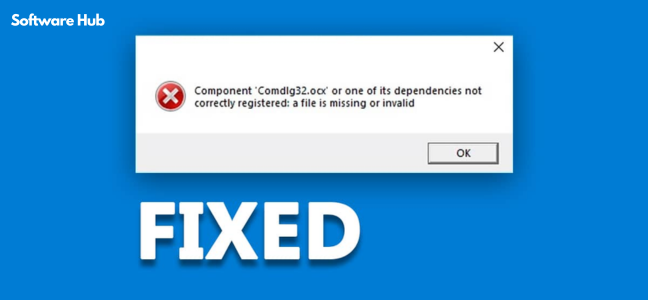
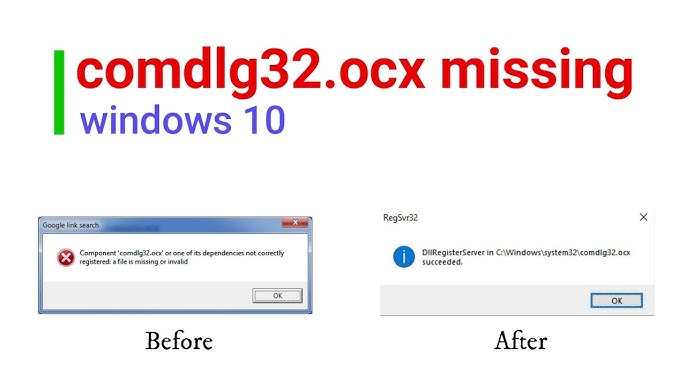
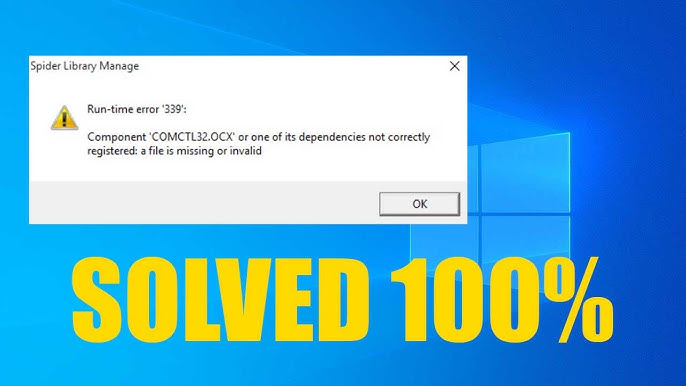
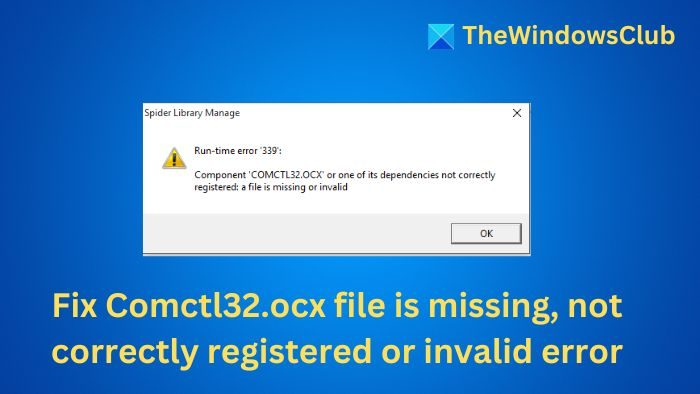
This error typically occurs when an older program tries to use the control but the file is missing, unregistered, or corrupted. It is a common issue when running legacy applications on newer versions of Windows.
2. How do I fix a missing COMDLG32.OCX error?
The common solution is to download a copy of the file and register it using the Command Prompt. You can use the regsvr32 COMDLG32.OCX command to register the file.
3. Is COMDLG32.OCX still used in modern Windows applications?
Modern applications use newer technologies like the .NET Framework. COMDLG32.OCX is not used for new development. Its current role is strictly for maintaining and supporting older, legacy applications.
4. Is it safe to download and use COMDLG32.OCX?
The file itself is a standard Microsoft Windows component. However, it’s important to download it from a trusted source to avoid malicious versions. The source review notes that it is a well-known and reliable component.
5. Can I use COMDLG32.OCX for new software development?
While technically possible, it is not recommended. Modern developers have far more powerful, flexible, and secure tools and libraries available for creating application dialogs.
Conclusion: A Legacy That Endures
COMDLG32.OCX is a perfect example of how foundational technology can have a lasting impact. It solved a common problem for developers in the past and continues to provide essential support for the software of today. While it is a relic of a bygone era of development, its reliable, no-frills functionality makes it a vital component for keeping older systems operational and extending the lifespan of legacy applications. For developers and IT professionals working with these systems, it remains a practical and efficient solution that still gets the job done.