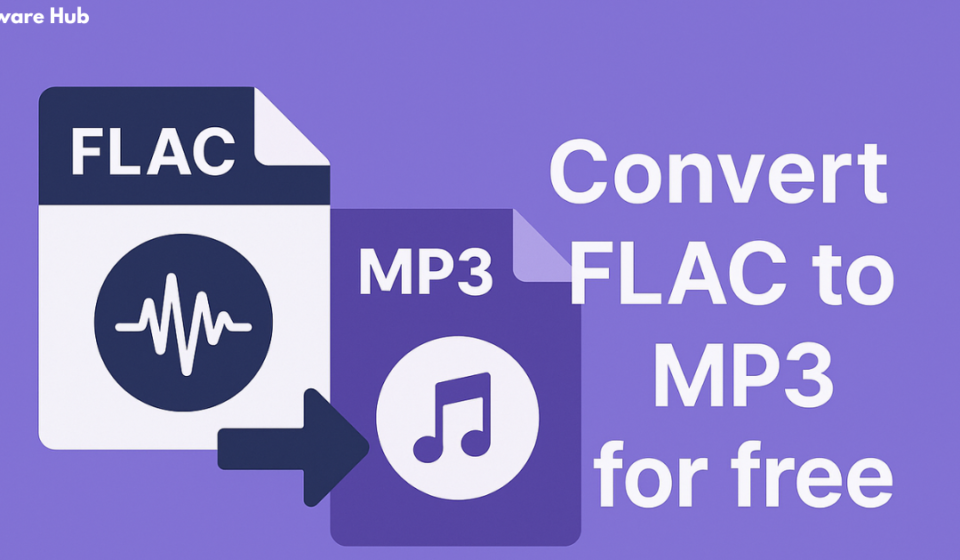
FLAC to MP3 Conversion – Free Tools, Safety, and Quality
In the world of digital audio, two formats often stand at opposite ends of the spectrum: FLAC and MP3. FLAC, or Free Lossless Audio Codec, is the darling of audiophiles—a format that preserves every nuance of the original recording. MP3, on the other hand, is the universal workhorse, compatible with virtually every device, from smartphones to car stereos to streaming services.
The dilemma for many music lovers is practical: FLAC files deliver pristine quality but consume significant storage space, while MP3 files are compact and convenient but compress audio data. Converting FLAC to MP3 represents a trade-off—shrinking file sizes to gain portability and compatibility at the cost of some audio fidelity.
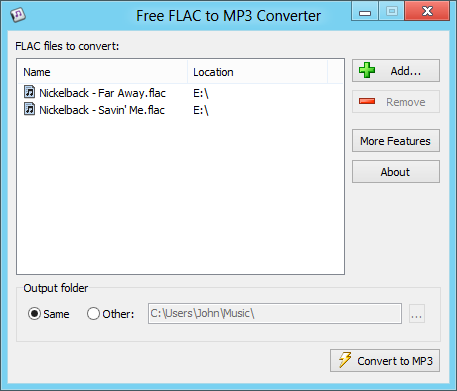
If you have a collection of FLAC files taking up valuable storage on your computer or smartphone, converting them to MP3 can be a smart solution. However, finding a free conversion tool that is safe, reliable, and doesn’t compromise on quality can be a minefield. This guide will walk you through everything you need to know about FLAC to MP3 conversion, from understanding the formats and choosing the right tool, to avoiding the security pitfalls that plague many free converters.
Understanding FLAC and MP3: The Core Difference
Before diving into conversion tools, it’s helpful to understand what you’re actually doing when you convert a FLAC file to MP3.
FLAC is a lossless audio format. This means it compresses audio data without discarding any information. The file size is reduced, but the audio quality remains identical to the original CD or source material. FLAC files typically have a bitrate around 700–1000 kbps (kilobits per second) and are ideal for archiving or for listening on high-end audio equipment.
MP3 is a lossy audio format, developed in the early 1990s, which achieves smaller file sizes by removing frequencies that the human ear is less sensitive to. This is known as perceptual coding. An MP3 file can be as small as one-tenth the size of a FLAC file, but the sound quality is diminished in the process. Common MP3 bitrates range from 128 kbps to 320 kbps. The higher the bitrate, the better the quality, though the difference becomes marginal at higher settings for most listeners.
The process of converting FLAC to MP3 is often called “transcoding.” Since FLAC is lossless, converting to MP3 is a one-way street: you can always create a high-quality MP3 from a FLAC file, but you can never recover the lost data to turn an MP3 back into a FLAC.
Why Convert FLAC to MP3?
Given that FLAC offers superior quality, why would anyone convert to MP3? The reasons are practical:
- Storage Space: FLAC files are large, often exceeding 30–50 MB per track. MP3 files, at a reasonable quality setting, might be 5–10 MB. If you have a massive music library or limited storage on your phone, converting saves space.
- Device Compatibility: Many older devices, car stereos, and some portable players do not support FLAC. MP3 is universally supported.
- Portability: Smaller files are quicker to upload to the cloud, share via email, or transfer between devices.
- Streaming and Sharing: If you’re sharing music with friends or uploading to a platform that doesn’t support lossless formats, MP3 is the go-to choice.
The Security Risks of Free Conversion Software
One of the most critical warnings to heed when searching for a free FLAC to MP3 converter is the prevalence of unsafe applications. Many free tools, particularly those available on third-party download sites, come bundled with malware, adware, or browser hijackers.
The Threat: Malware, Adware, and Spyware
Several user reports and security databases highlight the dangers associated with these free converters. A prominent example is “Free FLAC to MP3 Converter,” a tool distributed by Accmeware Corporation. Security databases have flagged this software as potential malware, with detection names like Ransom.Locky. While the core function of the converter may work, the installer has been reported to install other harmful software on your system.
User reviews for this specific application are scathing:
- One user reported that the installation package contained several other pieces of malicious software and that their wireless adapter driver was deleted during the install.
- Another user described the software as a “browser hijacker” that also installed spyware and adware.
- A user summarized the experience as “malware, adware, spyware, browser hijacker,” voicing their frustration with CNET for hosting the software.
Even if you are careful during installation, the “free” version of such software often comes with severe limitations, such as locking you out of higher quality settings. One user noted that the free version was a stripped-down version that forced them to pay for premium options to adjust bitrate.
The Downloader Trap
The problem is often compounded by the downloader itself. Many free software download sites use a special installer that prompts you to accept “optional” offers—which are often third-party adware. If you don’t uncheck these boxes, your system will be infested with unwanted programs. The core software might work, but the cost is a cluttered, slower system and potential security vulnerabilities.
The Verdict on Risk
The sheer volume of negative reports for some free FLAC to MP3 converters should serve as a strong warning. Not only can these applications install malware and adware, but they can also produce corrupted MP3 files. One user reported that their converter created MP3 files with an invalid file header, causing audio players to show incorrect track durations and bitrates. The software had a comment field pointing to a site for downloading YouTube videos, raising concerns about the origin of the “FLAC” files the user was trying to process.
Safer Alternatives: Reliable Free and Open-Source Tools
Thankfully, you don’t have to risk your system’s security to convert FLAC to MP3. Several reputable, free, and open-source audio converters offer high-quality results without the bloatware.
fre:ac
fre:ac is a highly recommended, open-source audio converter. It supports a wide range of input and output formats, including FLAC to MP3. It’s known for its speed, ease of use, and ability to preserve ID3 tags. Several users on various forums recommend fre:ac as a dependable tool that works without introducing malware or corrupted files. It also supports multi-core processing, which speeds up batch conversions. One user described it as “very easy-to-use,” noting that it works “very quickly, and effectively,” and the “output files are perfect, with ID3 tags intact”.
LameXP
LameXP is another excellent, free, multi-format audio converter. It supports batch processing and can utilize multiple processor cores, making it very fast. It uses the LAME MP3 encoder, which is the gold standard for MP3 encoding, ensuring high-quality output. It has a clean, straightforward interface and is highly praised for its reliability. Users have described it as “amazing software” and “very easy to use,” with one calling it “the best tool I could find”.
foobar2000
foobar2000 is a highly customizable audio player that also includes a powerful conversion component. While it may require a little more setup than fre:ac, it is a free and trusted tool in the audio community. It can convert FLAC to MP3 and preserve all metadata. For power users, it’s a robust option that lets you create detailed conversion presets.
dBpoweramp (Paid) & Other Options
For those who are willing to spend a little, dBpoweramp Music Converter is considered by many to be the best audio conversion software available. It offers flawless conversion with batch processing and high-quality metadata retrieval. While it is a paid application, it has a free trial period. Another free and open-source option, SoundConverter, is also recommended, though it is typically used on Linux systems.
What to Look for in a Safe Conversion Tool
When you are evaluating a FLAC to MP3 converter, the primary factor should be safety. Here is a checklist to avoid bad actors:
- Stick to Reputable Sources: Download software only from the official website or a trusted open-source repository like SourceForge or GitHub. Avoid third-party download sites that bundle installers.
- Read User Reviews: Before downloading, look at user reviews on sites like CNET Download, SourceForge, or the Apple App Store. Pay close attention to complaints about spyware, adware, or browser changes.
- Check the Software’s History: Open-source tools with a long development history and active community are generally safer than obscure, single-purpose tools.
- Be Wary of Aggressive “Free” Offers: If a tool is free but encourages you to pay for a “premium” version to access basic features (like changing bitrate), be suspicious.
- Check for Metadata Preservation: A good converter will preserve ID3 tags (metadata such as track title, artist, and album art) during conversion.
- Test a Single File: Before converting your entire library, test a single file and play the resulting MP3 to check its quality and ensure no tagging errors.
The Importance of Metadata and ID3 Tags
One of the most underappreciated aspects of audio conversion is the preservation of metadata, often stored in ID3 tags. This is the information that allows your audio player to display the artist, track title, album, cover art, and more.
A reliable converter should be able to read the tags from a FLAC file and write them to the new MP3 file seamlessly. This process is crucial for maintaining a well-organized music library. In user reviews of converters, many praised tools that preserved metadata, while criticizing others that didn’t. One user of an App Store converter noted, “the ID3 tags transferred to the MP3 files minus the album artwork…so close!” Another user of a different tool was pleased that “it preserves the tags from the FLAC file,” saving them from having to manually re-key the information.
Quality Settings: Choosing the Right Bitrate
When converting FLAC to MP3, you have to choose a bitrate. This is arguably the most important decision you’ll make during the process, as it directly dictates the balance between sound quality and file size.
- 128 kbps (or lower): This produces a very small file, but the sound quality is noticeably poor. It’s rarely recommended for music because there is a significant loss of detail.
- 192 kbps: This is considered “acceptable” for casual listening. It’s a middle ground that sounds decent on standard earbuds but lacks the sparkle of higher bitrates.
- 256 kbps: A good option for archiving or serious listening on a phone. It offers a noticeable improvement over 192 kbps.
- 320 kbps: This is the highest possible bitrate for MP3 and is considered by many to be virtually indistinguishable from a FLAC file in a blind listening test, especially on portable devices. Many consider it the “sweet spot” for compression and quality. It results in a file that’s still significantly smaller than FLAC.
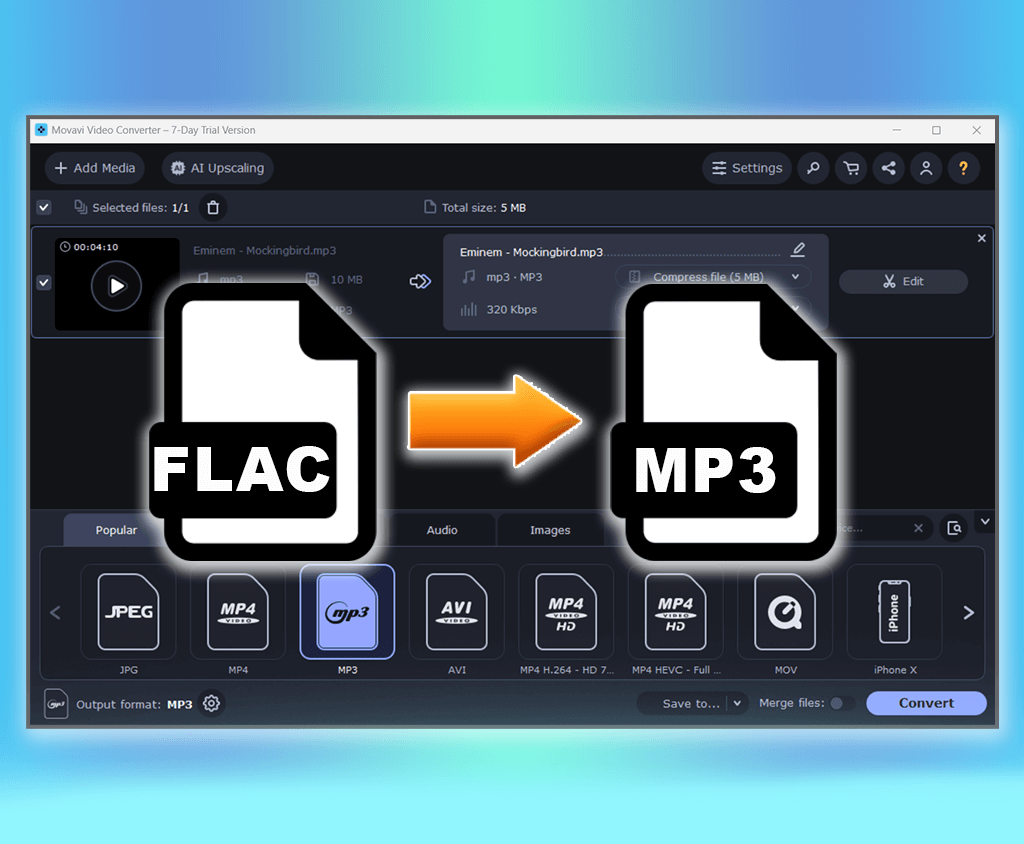
One user reviewing a converter on the App Store highlighted how they set the bitrate to 320 to get the best possible MP3 output, a simple process that made the conversion perfect for their needs.
The Linux Approach: Community-Driven Solutions
For Linux users, converting FLAC to MP3 is often handled via powerful command-line scripts. These scripts rely on the robust FLAC and LAME encoders.
A typical script would convert all FLAC files in a directory to MP3 using the LAME MP3 encoder and pass the ID3 tags from the FLAC files to the resulting MP3 files. They often encode to MP3 V0, which results in a variable bitrate usually between 220-260 kbps. The audio from a V0 file is considered transparent, meaning one cannot tell the difference between the lossy file and the original source, but the file size is significantly reduced.
These scripts are incredibly efficient, using the flac and lame packages to decode the FLAC data and encode the MP3 file while preserving all metadata. For users comfortable with the terminal, this is the cleanest, most powerful method available.
Conclusion
Converting your FLAC audio files to MP3 is a practical and often necessary task for improving device compatibility and saving storage space. However, the decision of which tool to use is as important as the conversion itself. The landscape of free software is littered with applications that promise quick solutions but deliver malware, adware, and severely compromised audio quality.
The key takeaway is to prioritize safety and reliability above all else. Avoid downloading from shady third-party sites and steer clear of software with a history of malicious behavior. Instead, trust well-established open-source tools like fre:ac and LameXP, which are designed by the community, are free of adware, and use the gold-standard LAME encoder for pristine MP3 output.
By choosing the right tool and carefully selecting your bitrate, you can efficiently manage your audio library, preserving its organization and ensuring you enjoy your music on any device, without any security headaches.
Frequently Asked Questions (FAQs)
1. What is the best free FLAC to MP3 converter?
fre:ac and LameXP are widely considered the best free options. They are open-source, highly reliable, and free from adware or spyware. They support batch processing, preserve metadata, and use the high-quality LAME MP3 encoder for excellent results.
2. Is it safe to use free online FLAC to MP3 converters?
Generally, online converters are not recommended for converting FLAC to MP3. They require uploading your files to a third-party server, which poses a privacy risk and can be slow. Many also have file size limits. It is far safer and more efficient to use offline software like fre:ac or LameXP.
3. Does converting FLAC to MP3 significantly reduce sound quality?
Yes, converting FLAC (lossless) to MP3 (lossy) always results in some quality loss. However, at higher bitrates like 320 kbps, the reduction in quality is often imperceptible to most listeners, especially on standard consumer audio equipment. The benefit is a file size that is significantly smaller.
4. Will converting FLAC to MP3 keep my music’s metadata (tags)?
A good converter will preserve your metadata. Tools like fre:ac, LameXP, and foobar2000 all keep ID3 tags intact, transferring track titles, artist names, album art, and other information to the new MP3 file. However, some low-quality converters will strip this information, so it’s important to use reputable software.
5. How do I convert FLAC to MP3 on a Mac?
For macOS users, fre:ac is also available and is an excellent choice. You can also find other free and safe audio converters on the Mac App Store, though you should read reviews carefully to ensure they are free of adware and produce high-quality results. Another option is to use SoundConverter which is a GNOME-based application but can be run on macOS.